Hard drives are not a backup
Why a closet shelf of externals isn't a plan — with math, drive failure rates, and a recovery story you don't want to live through.
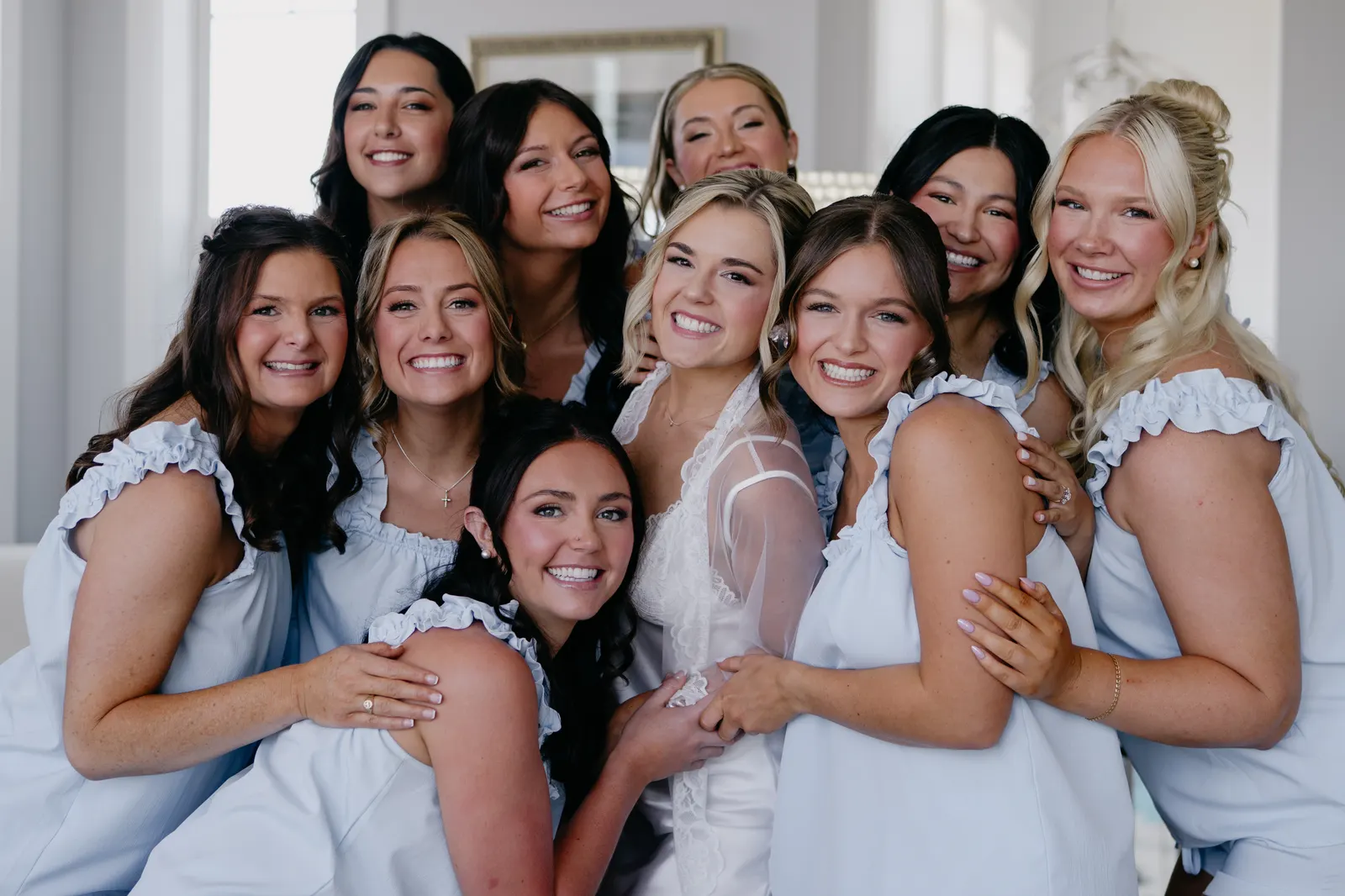
Every photographer I've ever met has had this conversation: "It's fine, I've got three drives. Two at home, one at my parents' place. I'm covered." Then, six months later — sometimes six years — they're in my inbox asking if there's any way to recover a wedding from 2018, because the drive that had it just clicked itself to death and the other two had different files on them.
I want to be honest about something: a closet shelf of hard drives is not a backup. It's an arrangement of failure modes you haven't met yet.
The math, briefly
Consumer hard drives have an annualized failure rate of roughly 1–2%. That sounds small. But if you keep an archive on three drives for five years, the probability that at least one of them fails is about 14%. Not catastrophic — but more than enough to ruin your week. The probability climbs steeply when you stretch the timeline to ten or more years, which is the timeline of every wedding archive I've ever seen.
And this is before we talk about the failure modes that aren't the drive itself: dropping a drive, leaving one at a venue, the cat knocking over the shelf, a coffee spill, a fire, theft, a power surge taking out everything plugged into the studio at once. Drive failure is the boring case. The interesting cases are the ones photographers can't bring themselves to plan for.
The story I don't want you to live through
"I had three drives. They all worked. I just couldn't figure out which one had the originals from her wedding."
A photographer I work with had a couple come back four years after their wedding asking for prints for a milestone anniversary. He had three drives, each labeled by year. The 2020 drive booted up fine. The files were there. They opened. They were corrupt.
Bitrot — silent corruption that happens when a hard drive sits cold for too long — is rare but real. It happens to the files you care about least often, because you don't open them. By the time you notice, the bit flip is years old. The drive looks healthy. The file is gone.
The reason photographers don't catch this is that we don't routinely check. There's no scheduled moment where you open every old wedding and verify the files. The drive sits in a closet. The bit flips. Years later, the client comes back, and you find out.
What "actually a backup" looks like
The accepted minimum for protecting irreplaceable work is the 3-2-1 rule:
- Three copies of every file
- On two different media (e.g. drive + cloud)
- With one stored off-site
Most working photographers do the first part. They have a drive at the studio and a drive at home. That's two copies, one medium, on-site. That's a 1.5-1, not a 3-2-1. It's the same medium, with a small geographic split — a real fire or break-in defeats it instantly.
The 3-2-1 rule is forty years old. It came from IBM, not the photo industry. It survives because the underlying logic survives: if you only have one copy in one form in one place, you only have one copy. Everything else is wishful thinking dressed up as redundancy.
What we recommend
Get the master archive somewhere that isn't a hard drive on your shelf. Enterprise object storage — the kind cloud companies use, the kind Vault runs on — is replicated across multiple disks in multiple racks, gets continuously checked for integrity, and survives the kind of failure that takes a single drive down. The math is different. The failure modes are different. The thing that breaks one drive in a server farm doesn't break the next one beside it.
Keep your working drive — the one you edit from — local. That's fast and convenient. But the moment you've finished a wedding, the moment the gallery is delivered, push a copy somewhere that isn't a spinning disk in your closet. Don't wait until "I'll get to it." You won't. None of us do. The right time to back up a wedding is the night you finish editing it, not the year a couple asks for reprints.
If you want our pitch: Vault is built specifically for this. Browser uploads, resumable from venue wifi, AI search across everything you've ever uploaded so you can actually find a wedding from 2019 when the couple asks for reprints. 5 GB free. Then $15/TB/month. No card to try it.
The point I keep coming back to
The work you're making right now is the only copy. You spent 12 hours at a wedding. You did the editing. The couple's parents will ask for prints in five years, and their grown kids will ask for them in twenty. The thing that decides whether you can deliver is not the drive on your shelf — it's the redundancy you set up now, when nothing has gone wrong yet.
Pick something. We'd love it to be Vault. But pick something.
Protect what you’ve already made.
Bring everything you’ve ever made into Vault. 5 GB free, then $15 per TB per month. Migration help included.