Features
Backup, galleries and search.
In one place.
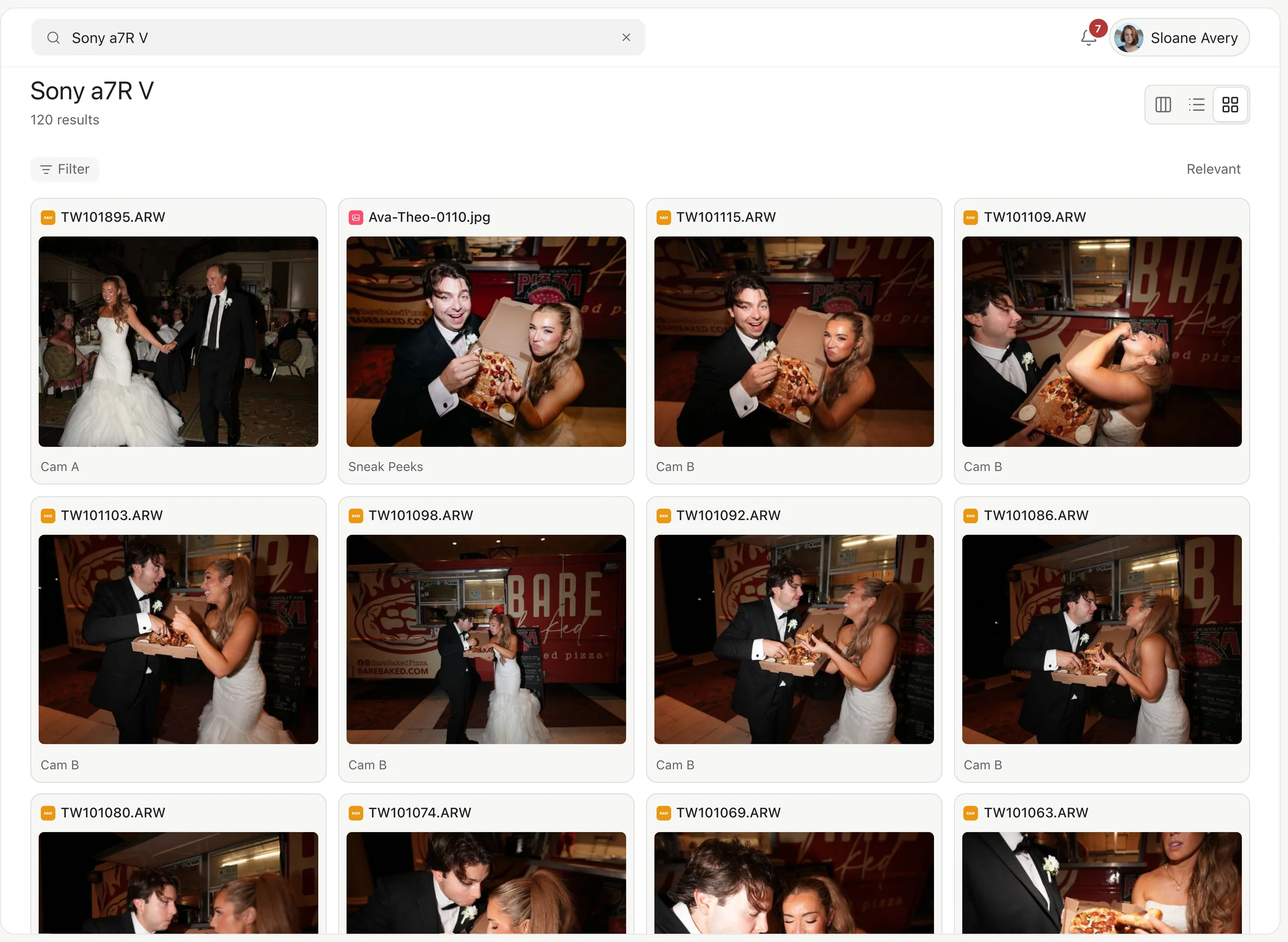
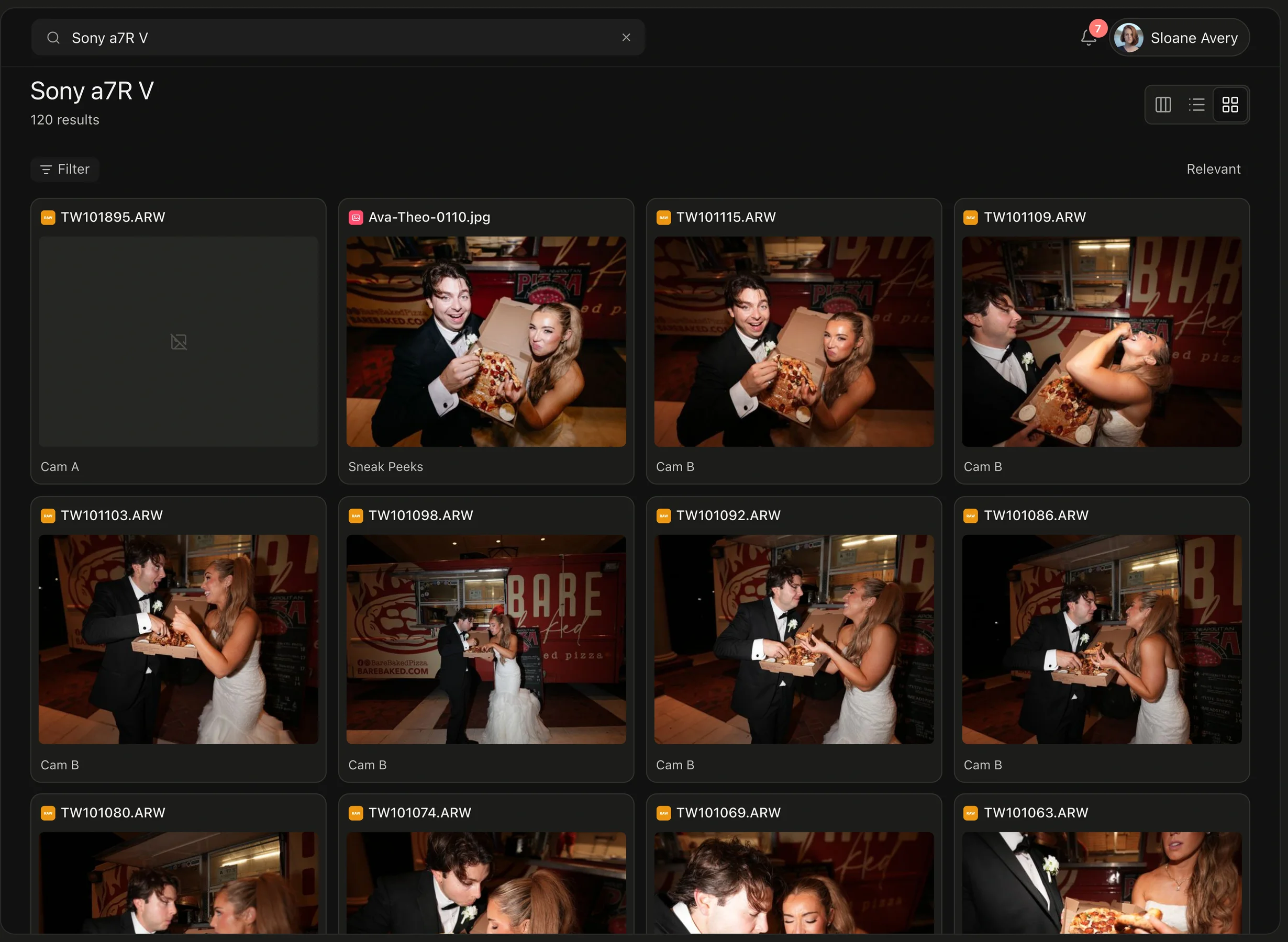
Keep every shoot together, send it from where it lives, and find it again when someone asks.
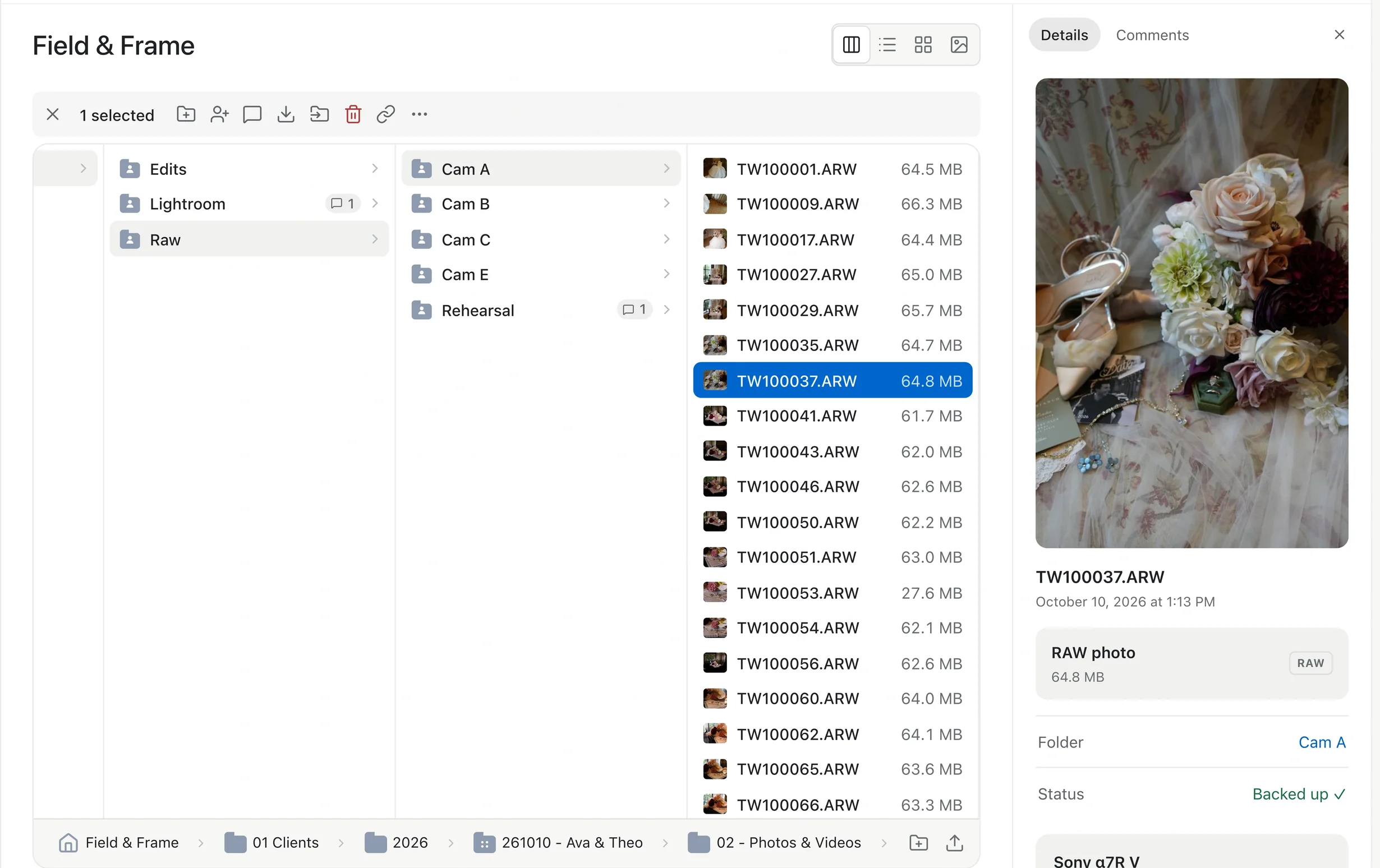
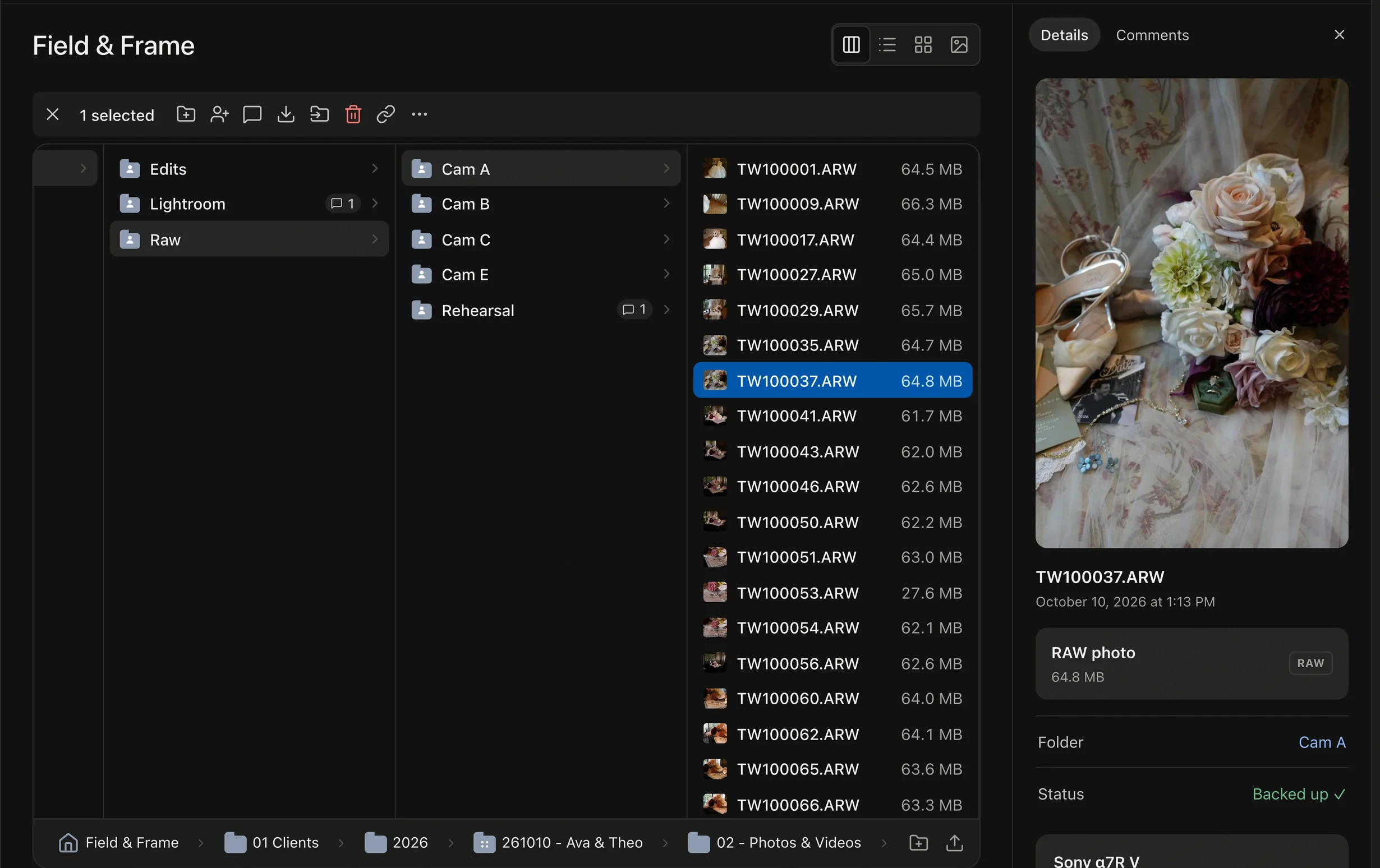
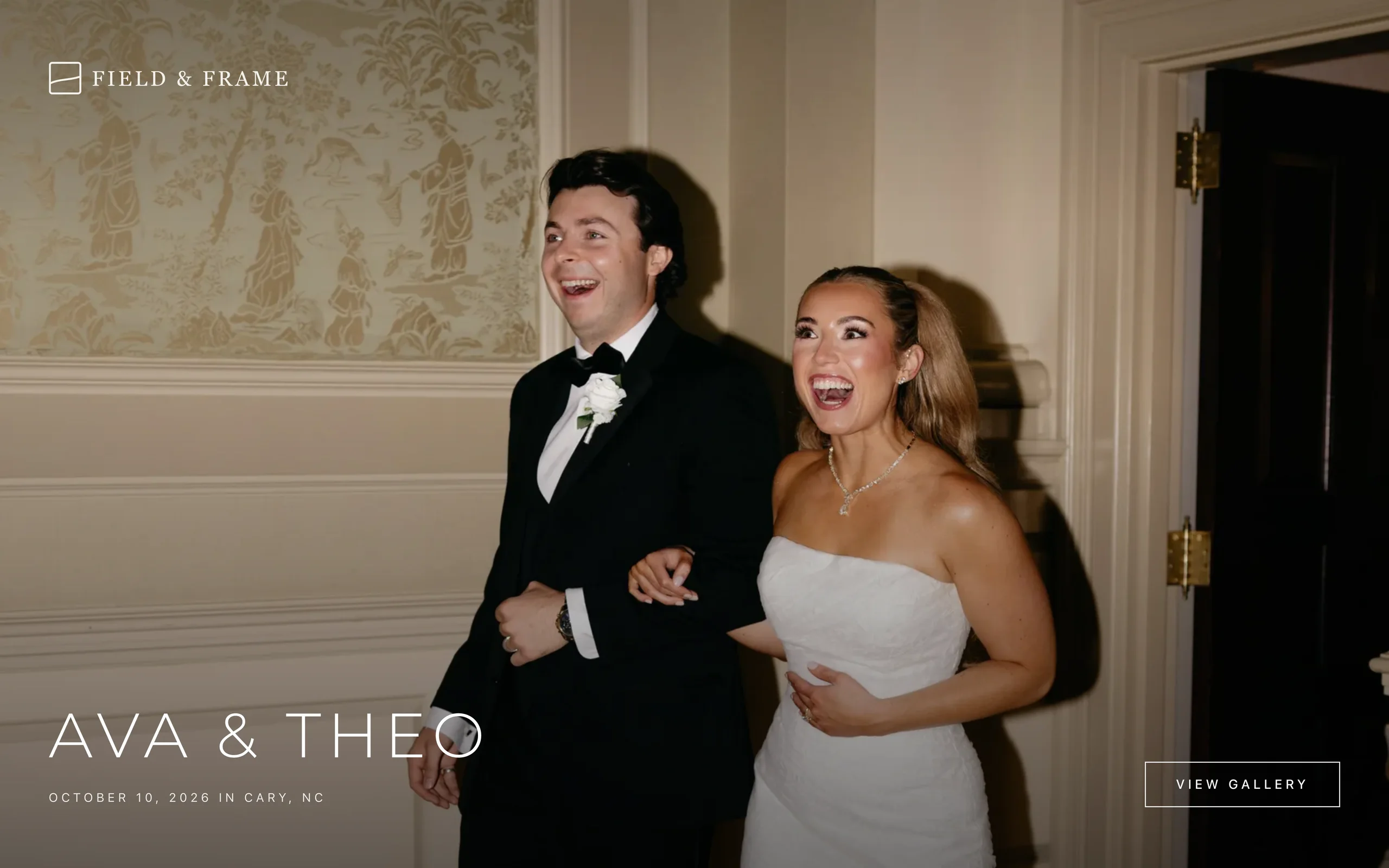
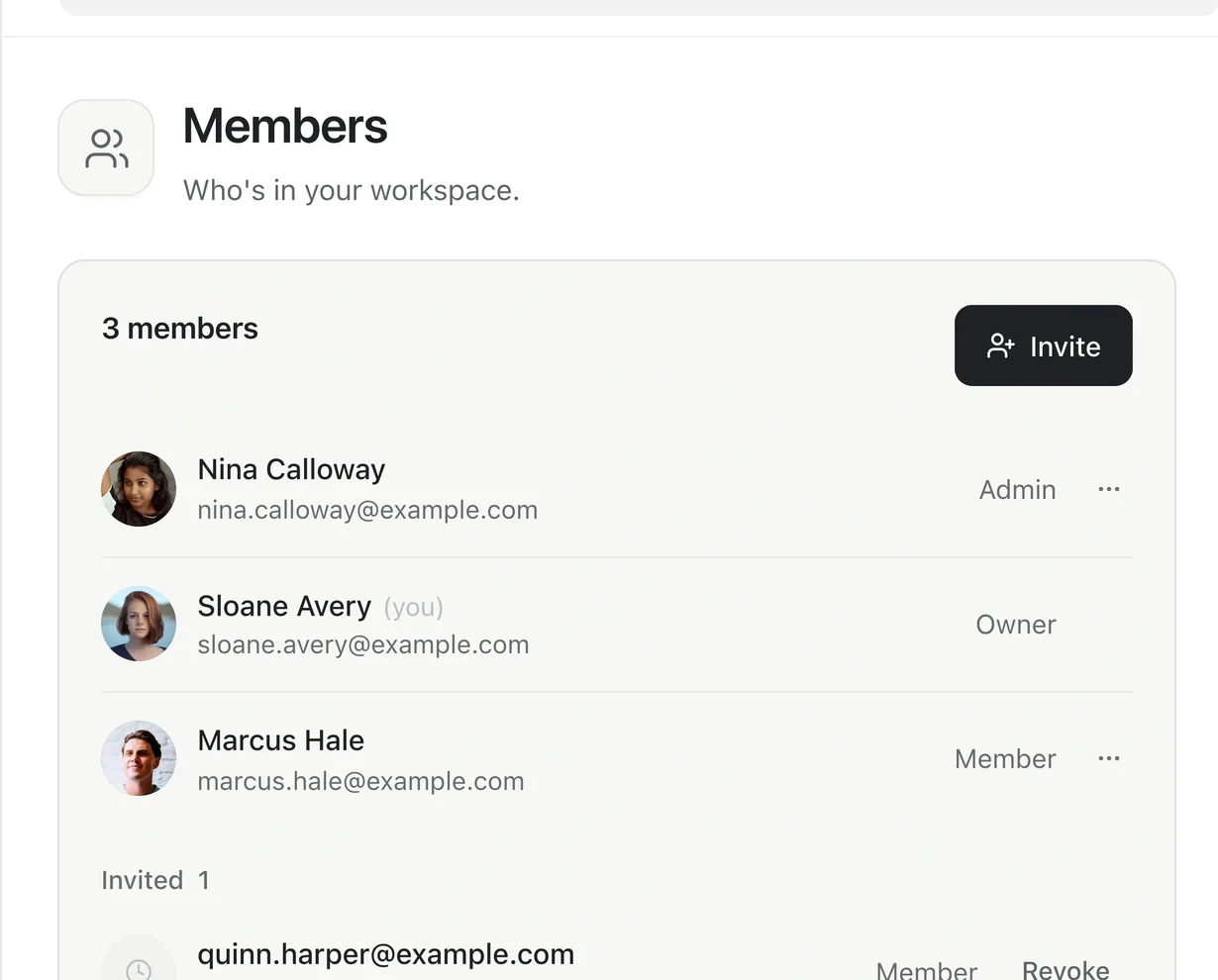
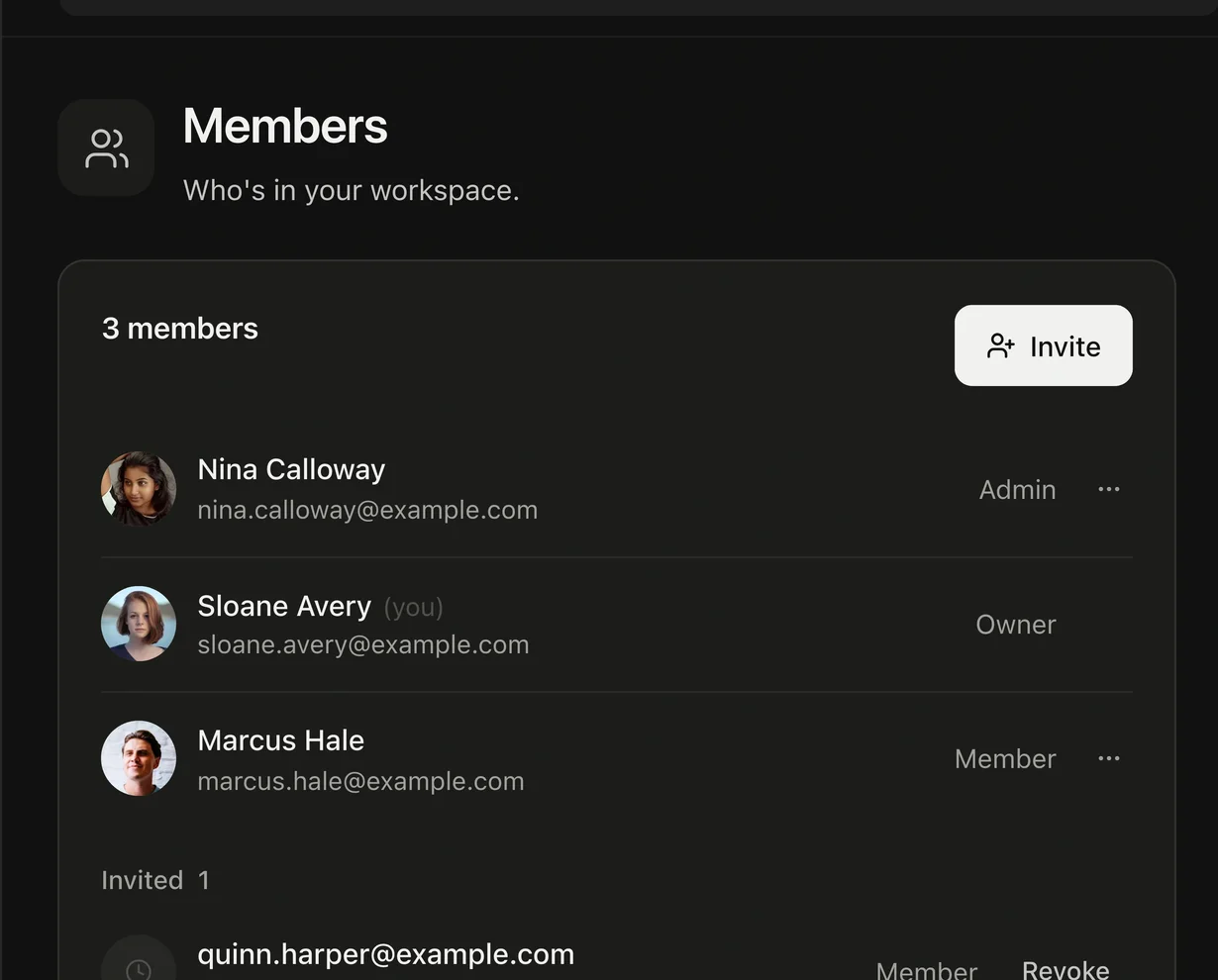
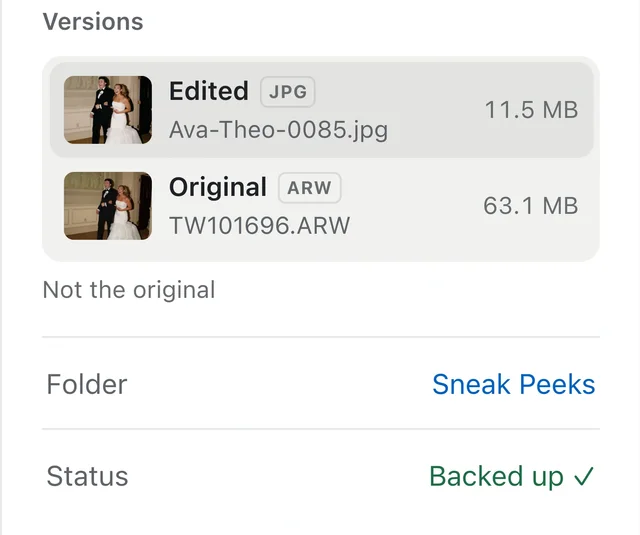
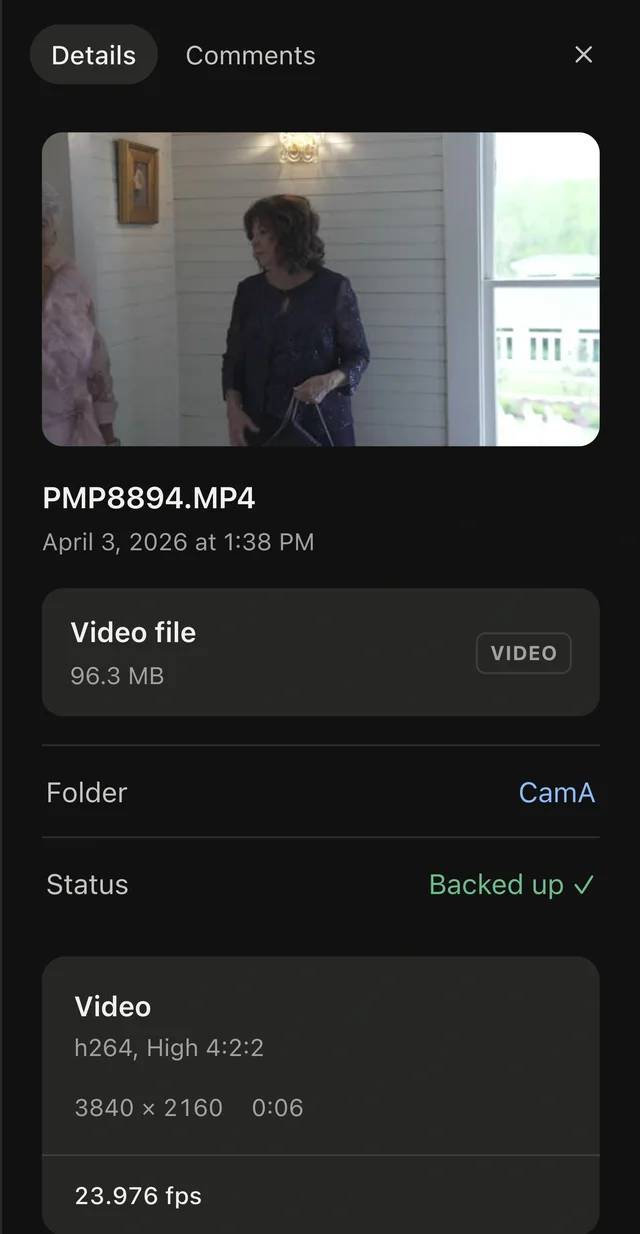
Click any file.
Know everything.
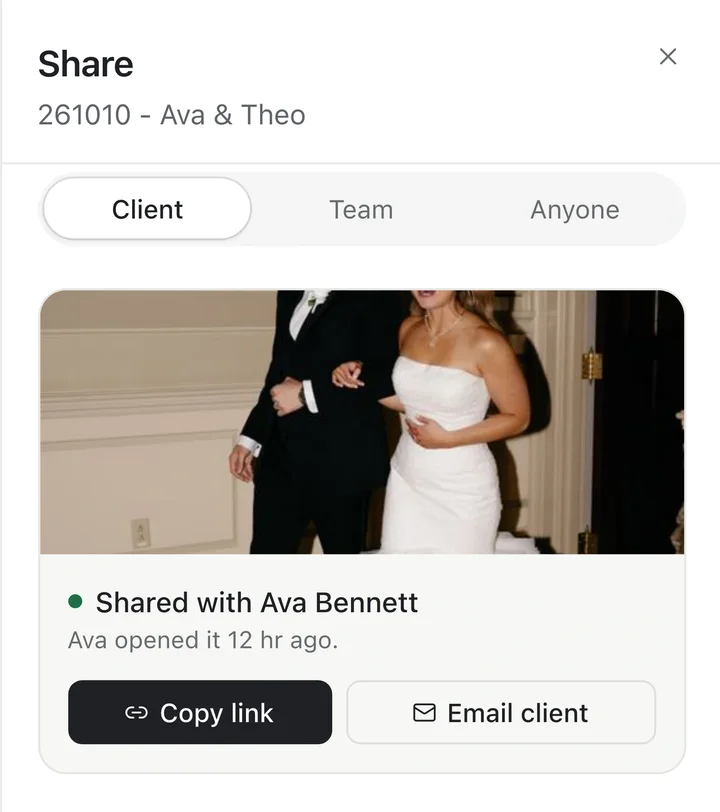
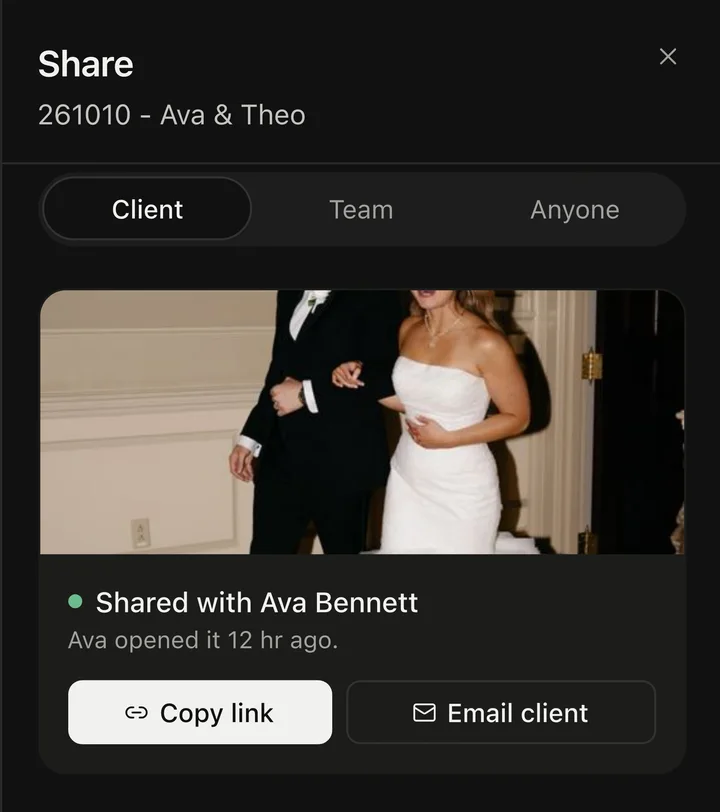
Details open beside the file: what it is, where it came from, and who can see it.
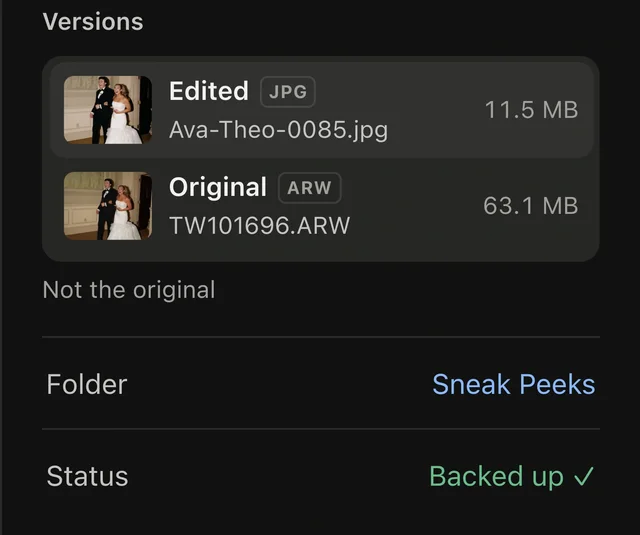
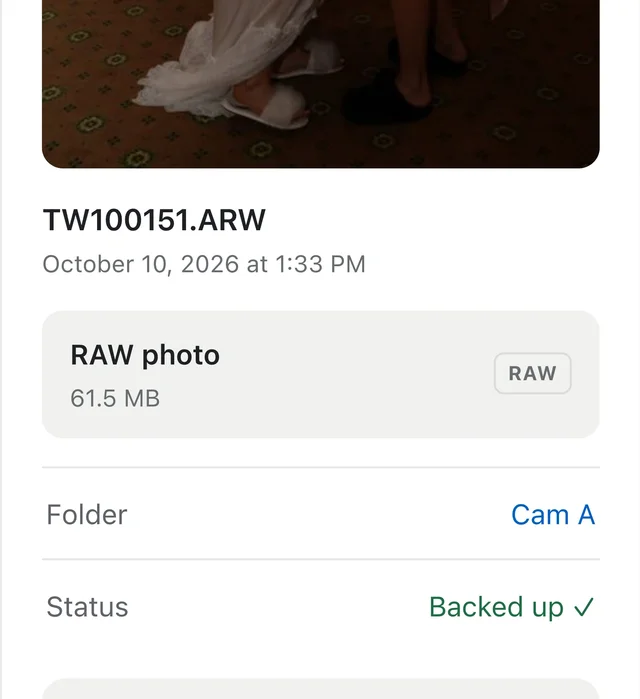
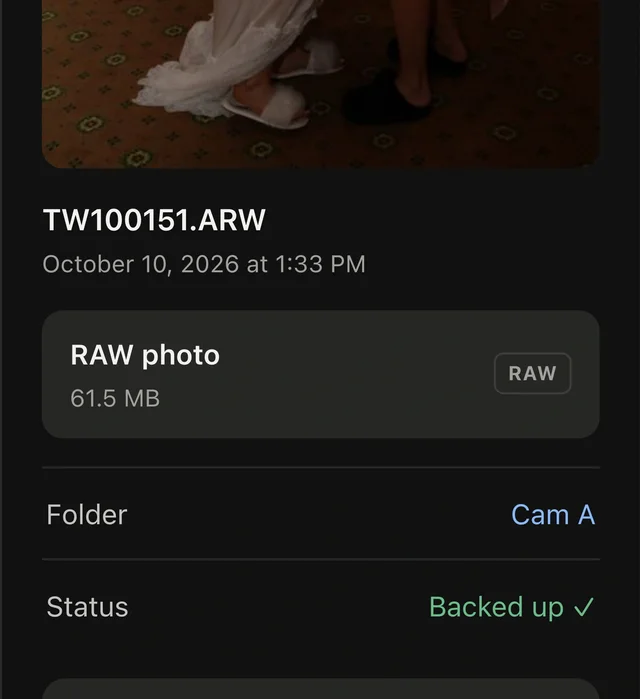
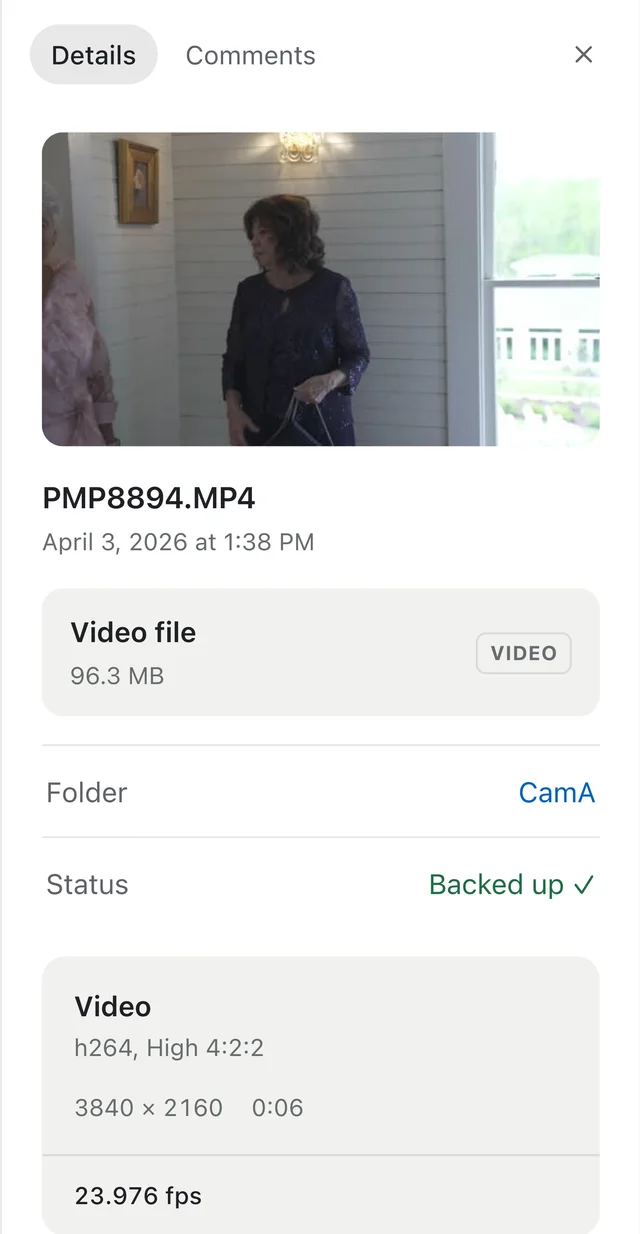
One place
instead of three.
Drives on a shelf, a cloud folder and a gallery app each do part of the job.
| Feature | Drives on a shelf | A cloud folder | A gallery app | Total Vault |
|---|---|---|---|---|
| Keeps RAWs and films | ✓Yes | ✓Yes | Finals only | ✓Yes |
| Safe if a drive dies | —No | ✓Yes | Finals only | ✓Yes |
| Find a photo by what's in it | —No | By name | —No | ✓Yes |
| Edits next to their RAWs | —No | —No | —No | ✓Yes |
| Galleries in your design | —No | —No | ✓Yes | ✓Yes |
| See who opened it | —No | —No | ✓Yes | ✓Yes |
Total Vault for Mac
Plug in the card.
It uploads itself.
- 1Turn on Auto-backup for a folder, a card or a drive.
- 2New and changed files upload on their own.
- 3Pause for an hour or until tomorrow. Nothing already sent is lost.
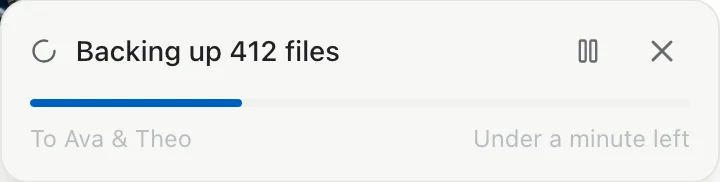
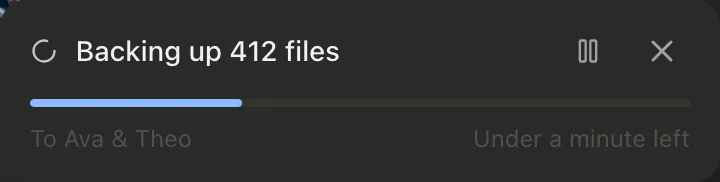
Waits on networks in Low Data Mode.
Back up your first wedding
tonight.
5 GB free, then $15 per TB per month. No card needed.