Your brand and studio address
Put your logo, color and studio name on every gallery and email, and give clients your own address. Settings → Branding, in three steps.
2 min readUpdated 3 November 2026
01Your look
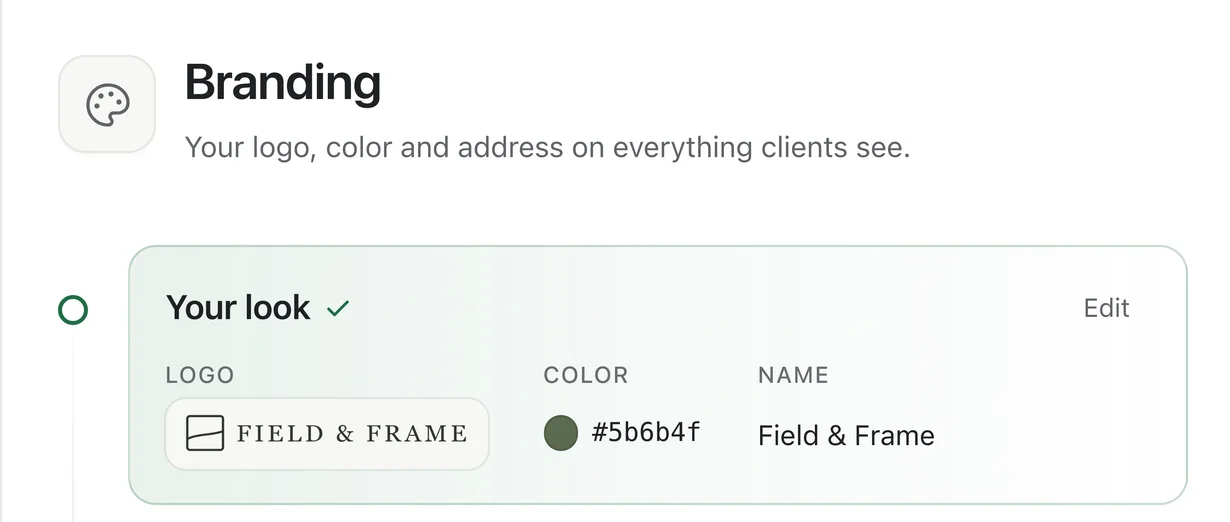
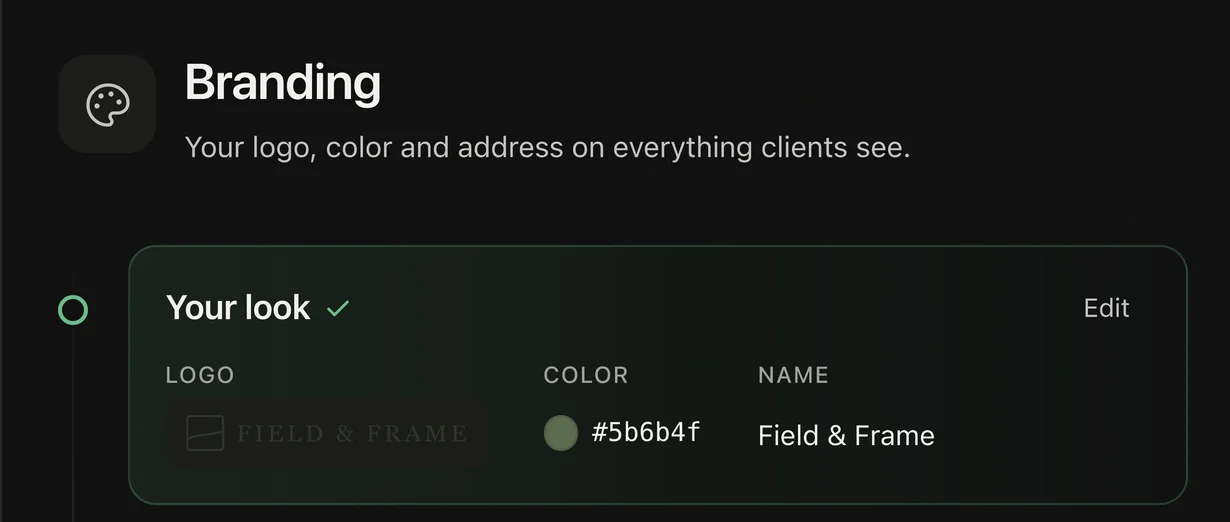
- Open Settings → Branding and upload your logo: a wide, transparent PNG or SVG, 1200 × 300 px or larger.
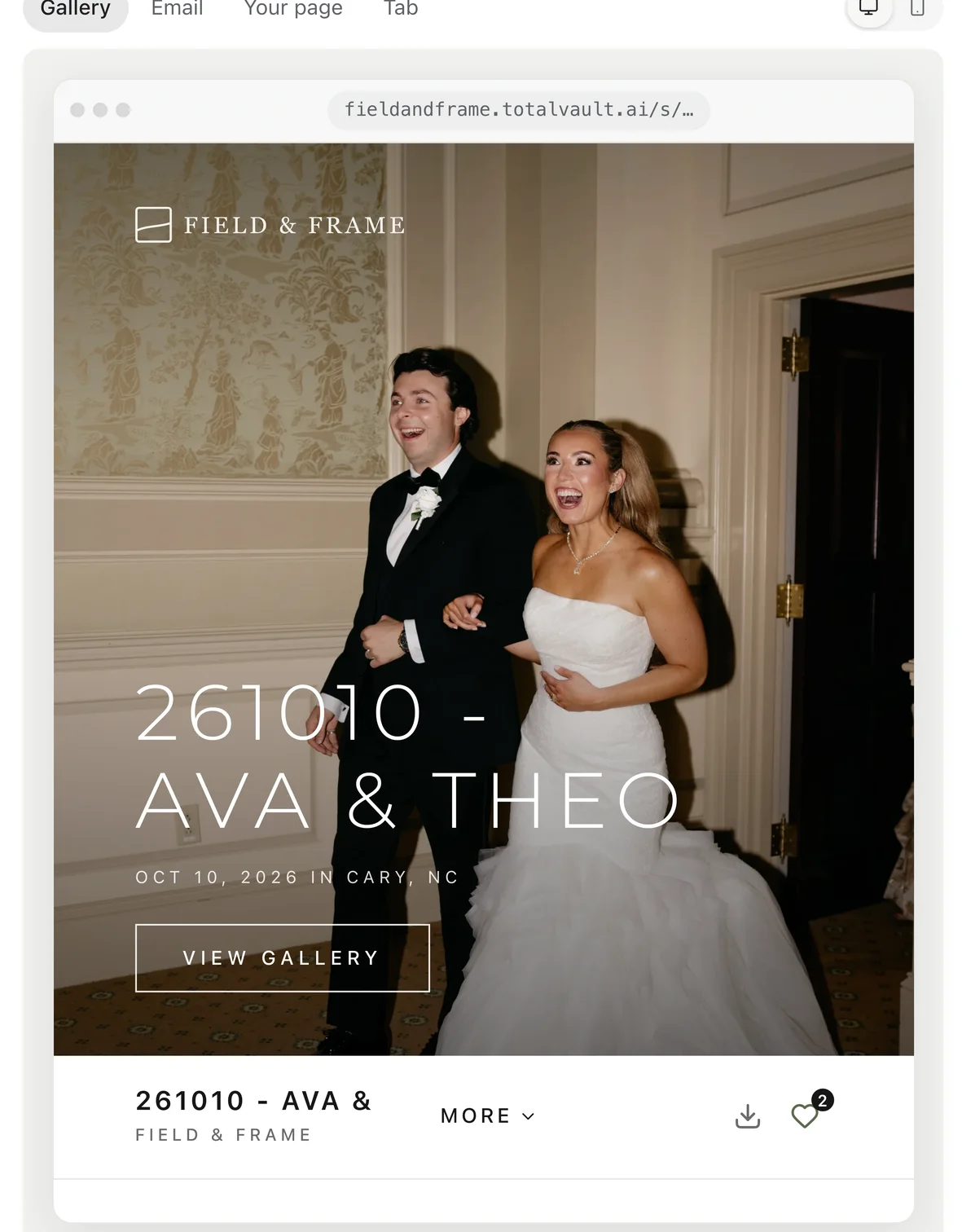
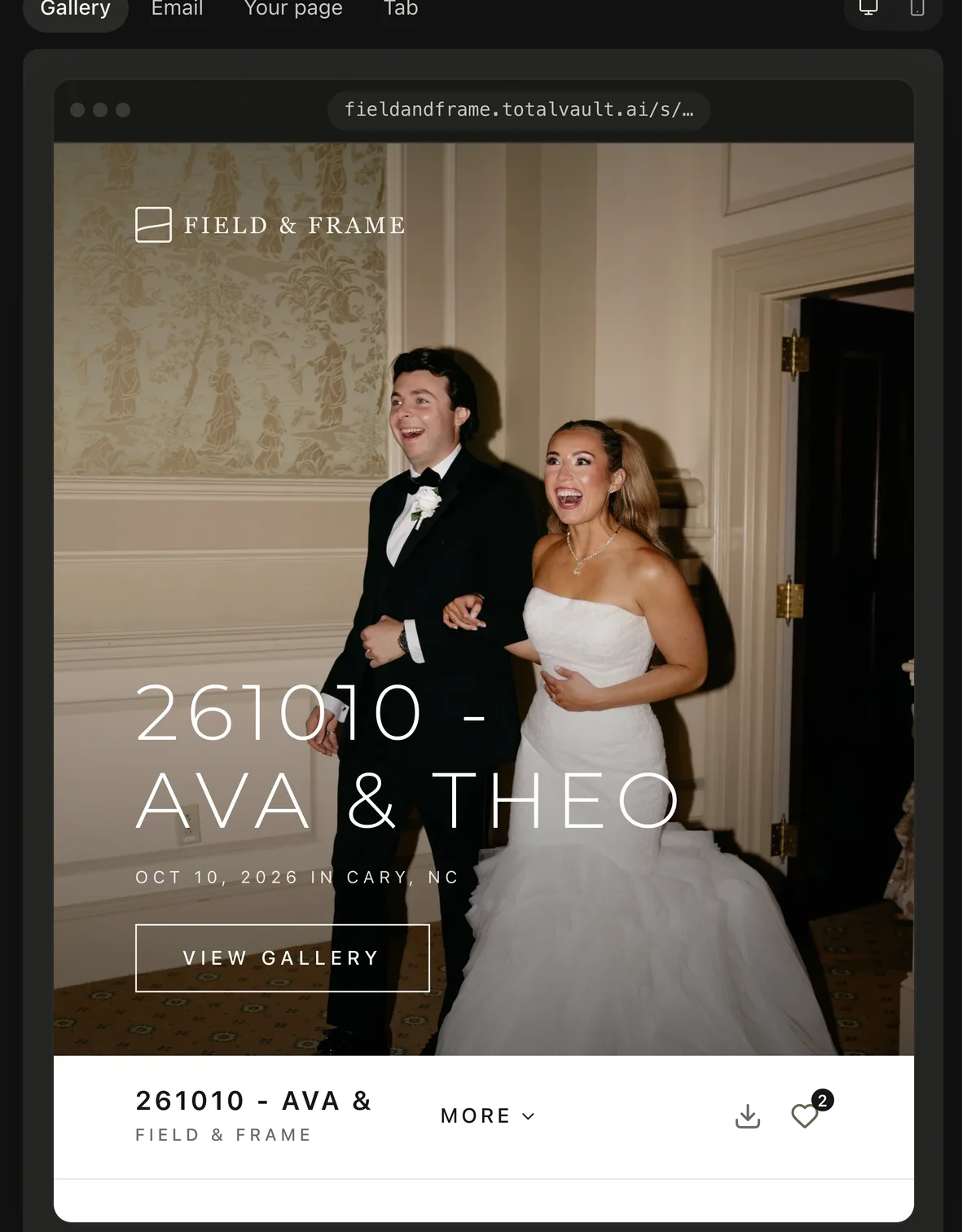
- Total Vault makes a white version for dark pages and picks your color from the logo. Change either if you like.
- Add your Studio name and a square Tab icon (512 × 512 px).
02Your address
- Every plan gets a free public page at totalvault.ai/@yourname.
- On Pro, client links, emails and your page open at yourname.totalvault.ai. You and your team keep using app.totalvault.ai.
- Names are 3 to 30 characters: lowercase letters, numbers and hyphens.
03Your own domain
On Pro, connect a domain you own, like photos.yourstudio.com, for $10 a month. Client links, your page and emails use it, and Total Vault mentions are hidden. Follow the DNS steps on the page; it can take a few minutes to connect.
Your logo, color and yourname.totalvault.ai come with Pro. On other plans the page offers Switch to Pro.