Favorites and picks
Clients heart the photos they love; you see every pick by person, download them, or copy the file names straight into Lightroom for the album.
2 min readUpdated 3 November 2026
01How clients pick
In the gallery, clients tap the heart on a photo. They sign in the first time so their picks are kept, and they find them all again under Favorites.
Hearts are on unless you turn off Favorites under Access in the Share panel.
02See their picks
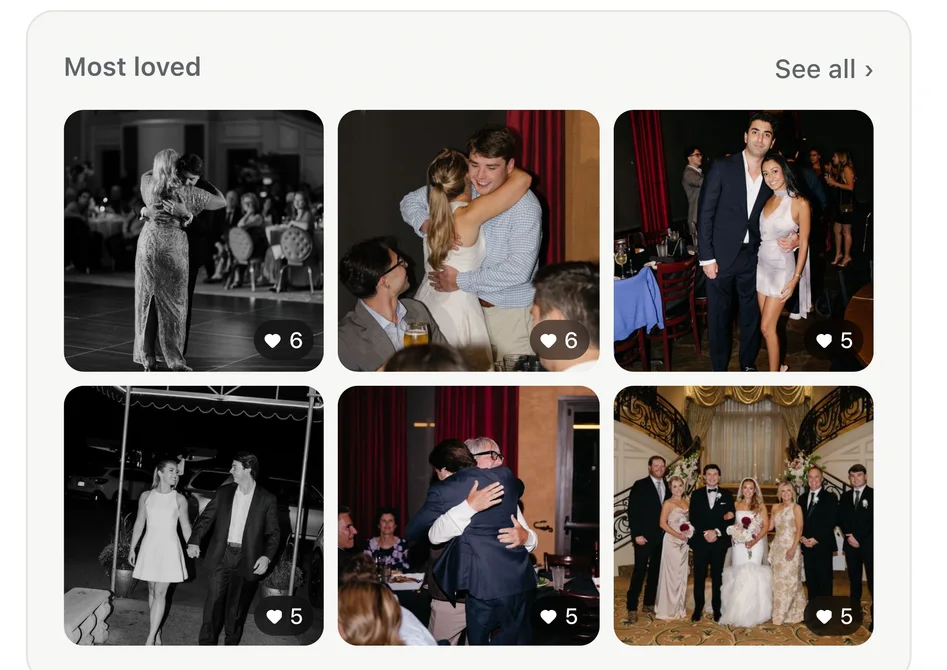
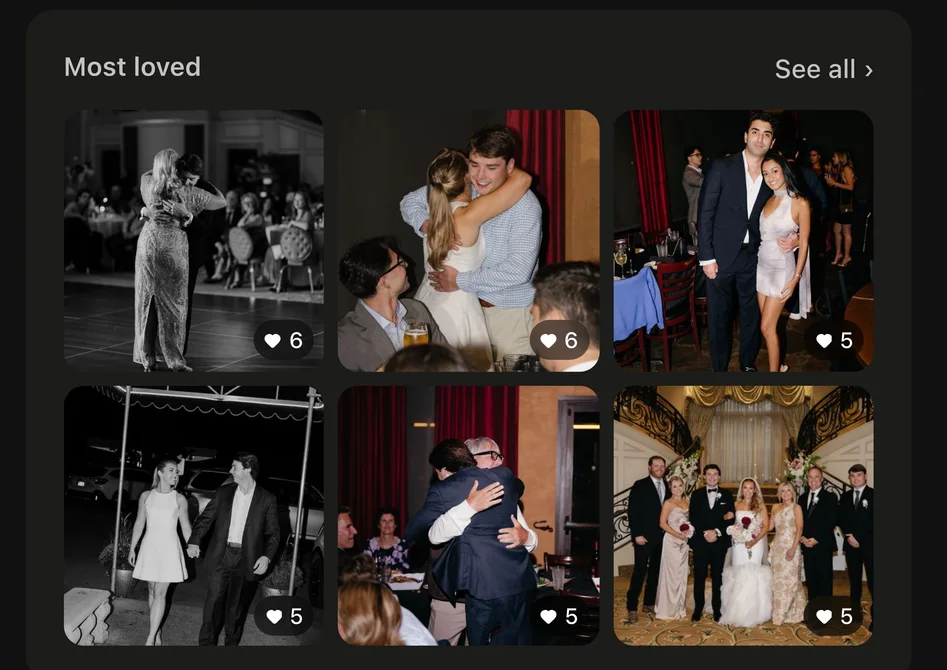
The project's Overview shows Most loved. See all opens the Activity tab, where you can see everyone's picks together or one person's at a time.
03Take them into Lightroom
- Choose Download to get the picked photos.
- Or open ⋯ and choose Copy file names, then paste into Lightroom's filter to find the same photos in your catalog.
- Copy file names, one per line and Export list (a CSV) are there too.