See who opened it
Every shared gallery keeps a report: visits, people, favorites and downloads on the project's Overview, and each person's activity on the Activity tab. You get notified as it happens.
2 min readUpdated 3 November 2026
01At a glance
The project's Overview shows the gallery's Visits, People, Favorites and Downloads, a chart of the last two weeks, and Who's been looking.
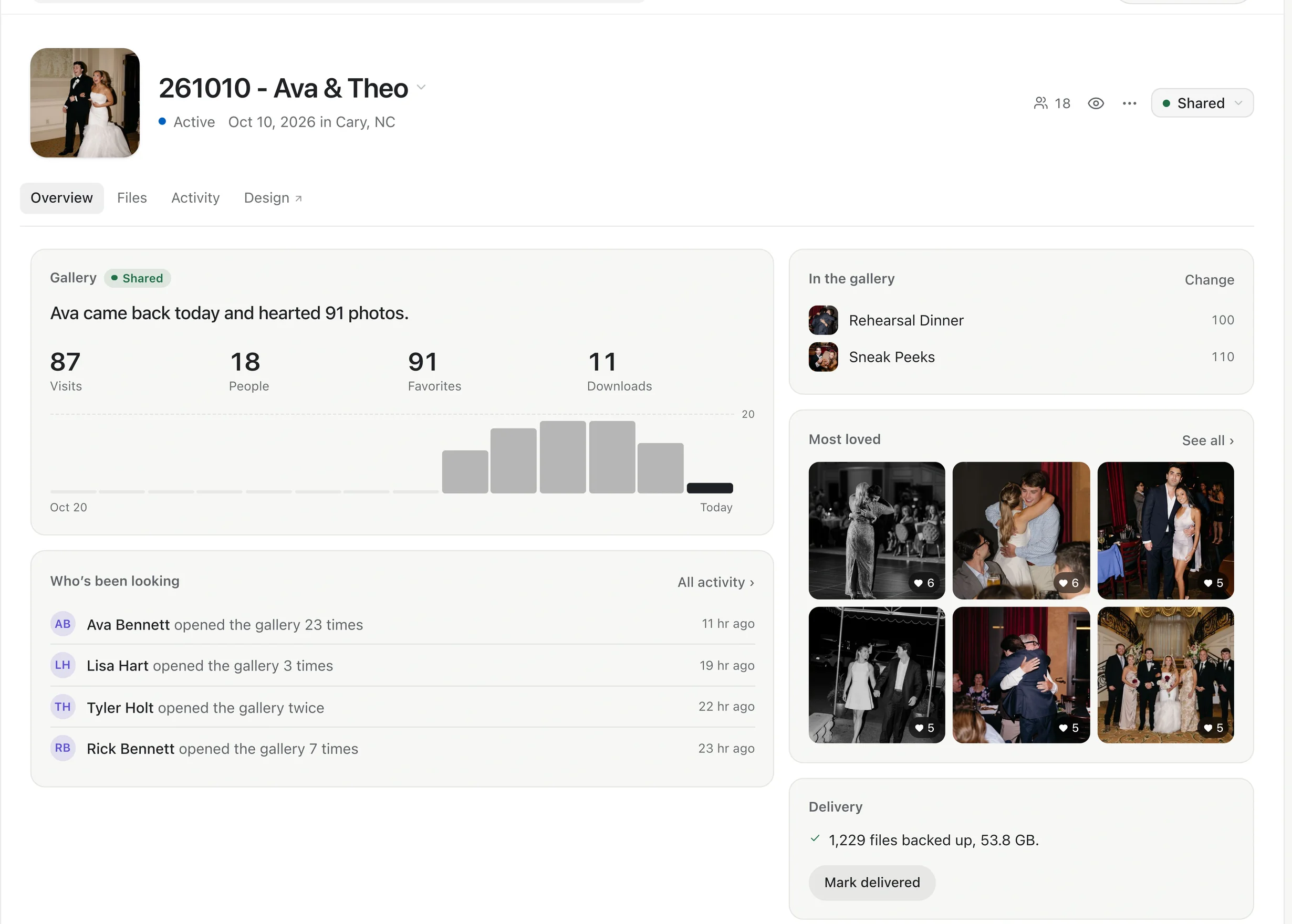
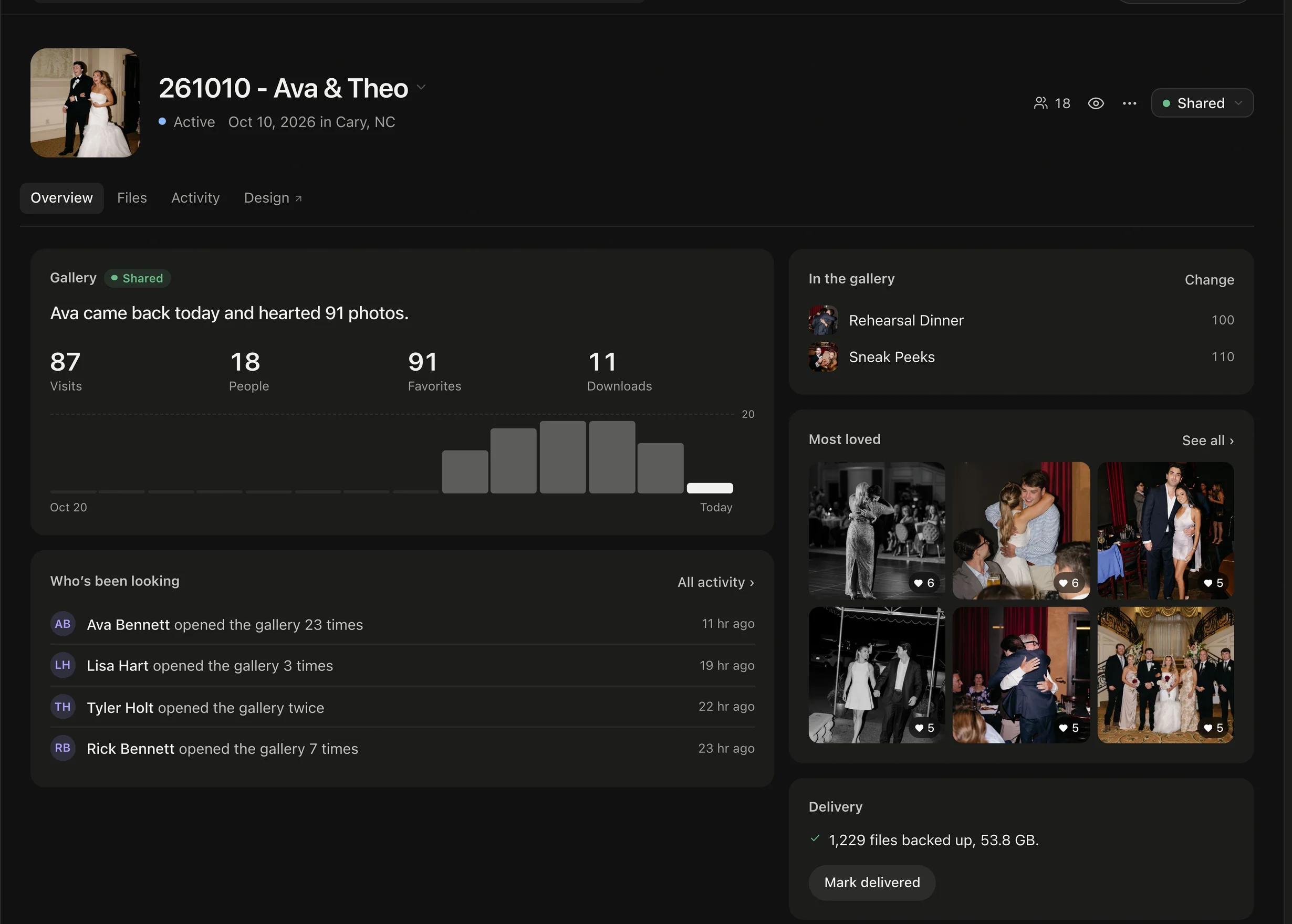
No visits yet? Send a reminder. When the link is about to close, Extend keeps it open.
02Person by person
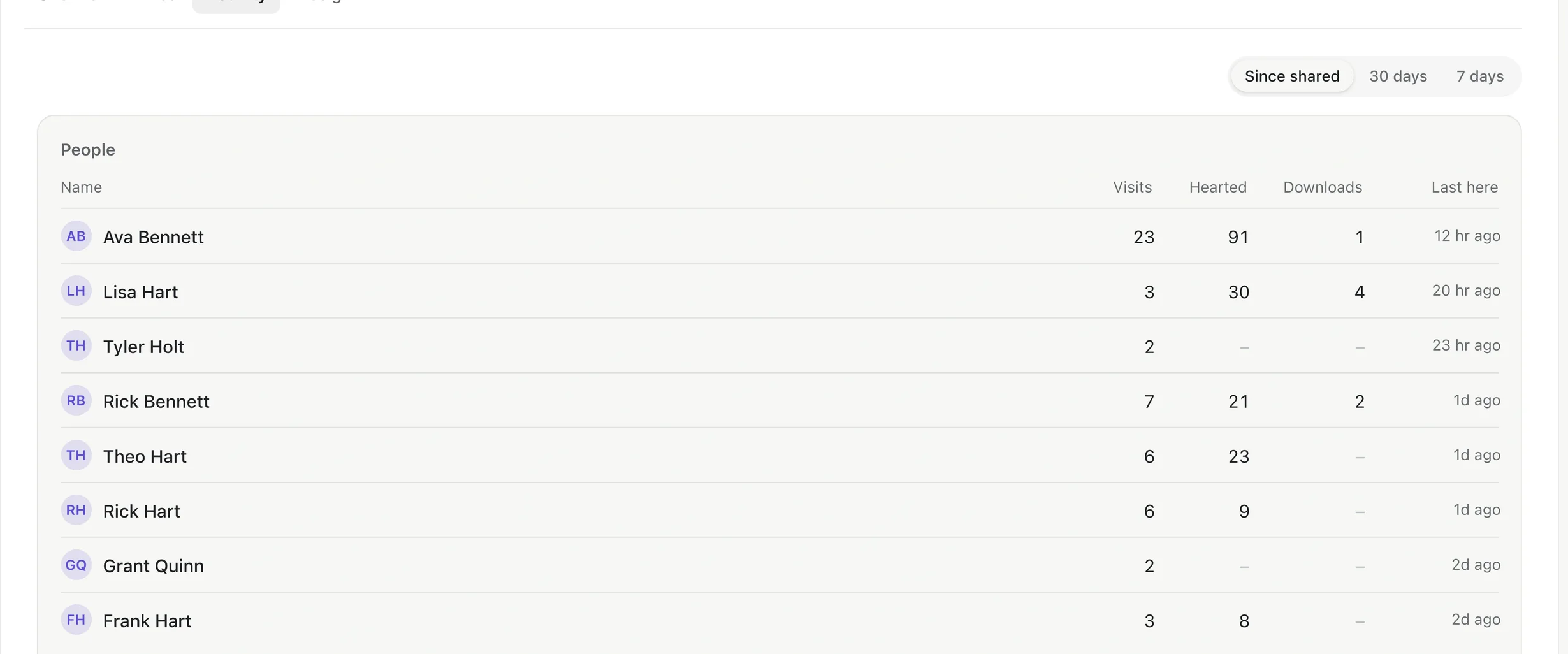
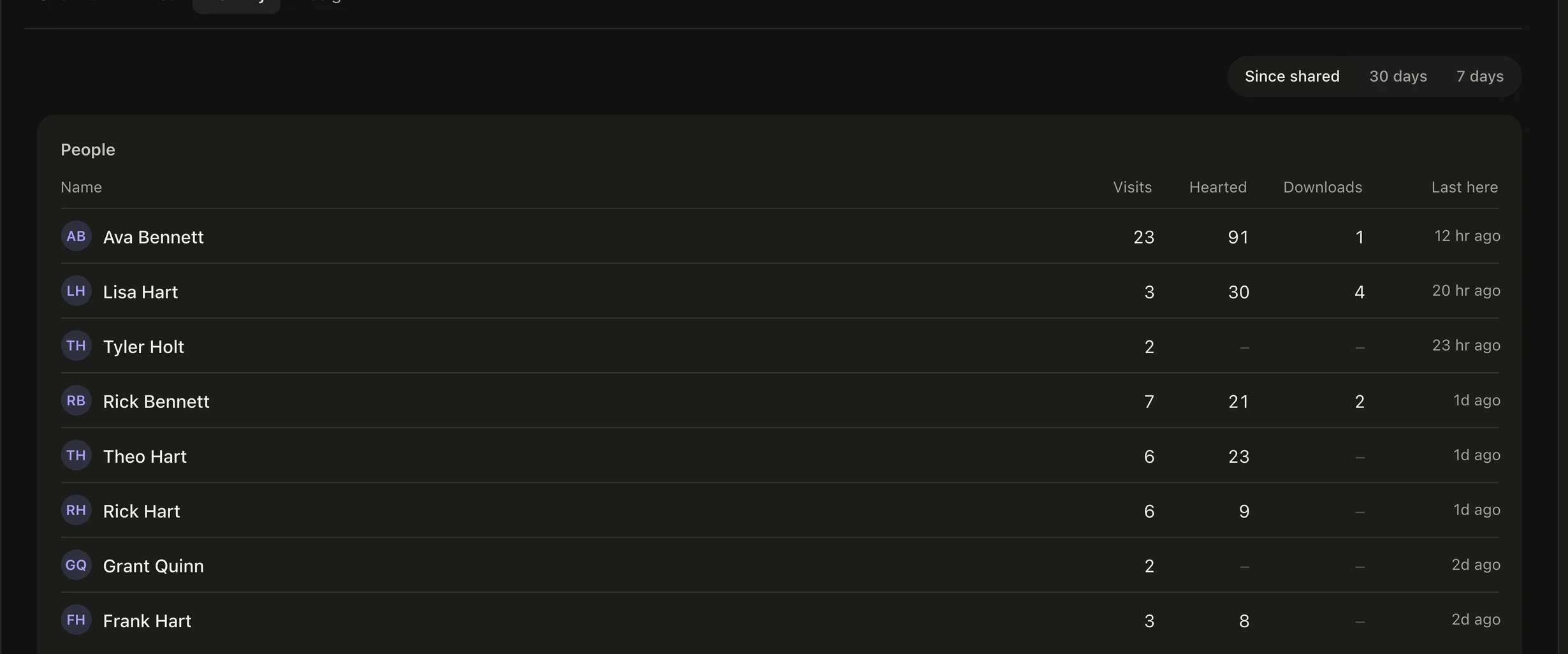
The Activity tab lists everyone who opened the gallery: their Visits, how many photos they Loved, their Downloads, and when they were Last here. Switch between Since shared, 30 days and 7 days.
03As it happens
- Notifications tells you when someone opens the gallery (once a day per person), hearts photos, or downloads files. Your own visits don't count.
- Choose email, in-app or push for these under Settings → Notifications → Activity.