The Photos view
See every photo and video in one roll, in the order they were taken, across every camera and folder. Switch to it from the view buttons in All files or any project.
2 min readUpdated 3 November 2026
01Turn it on
Use the view buttons at the top right, next to Column view, List view and Grid view: Photos view is the last one. Total Vault remembers your choice for each page.
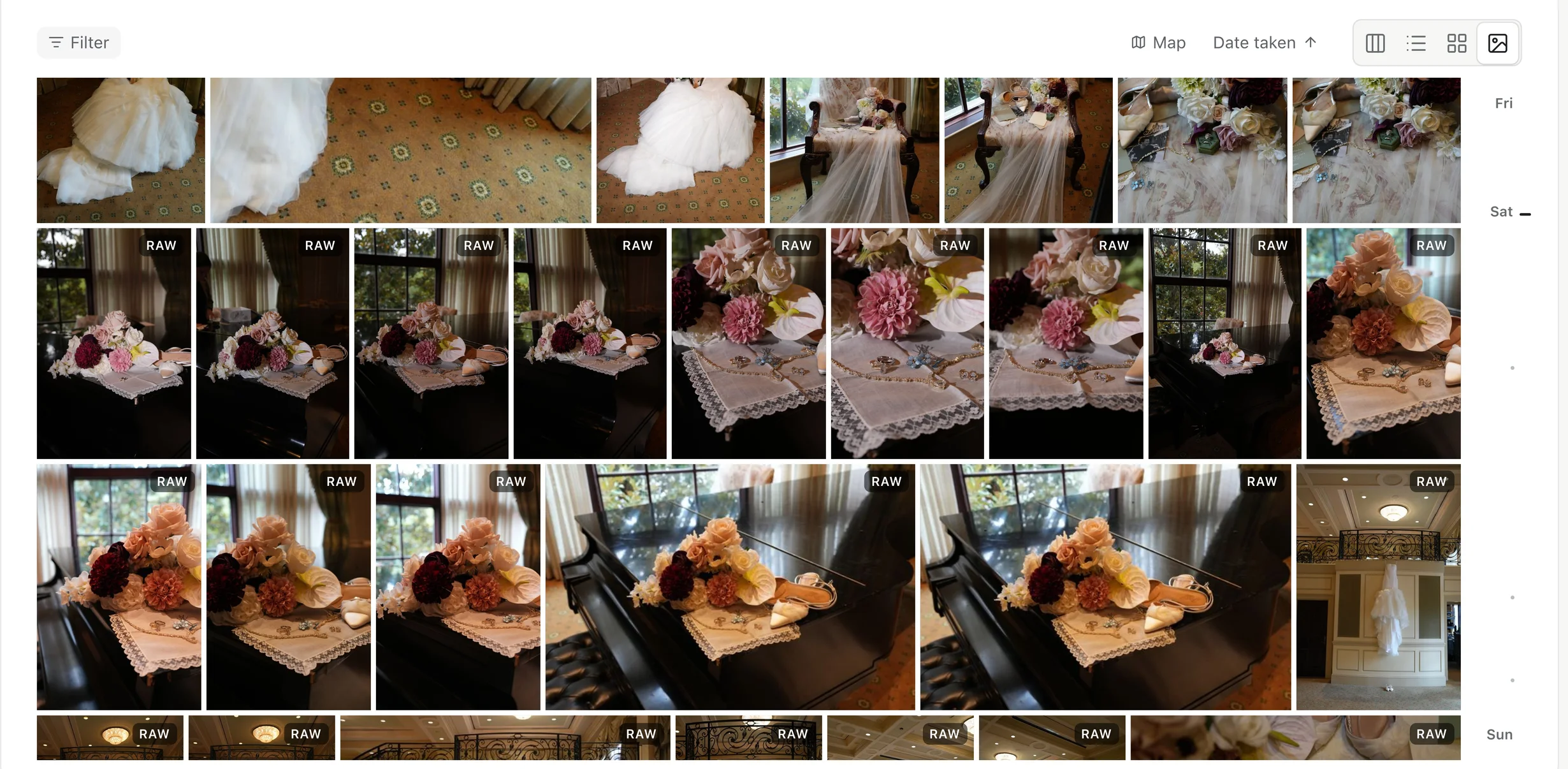
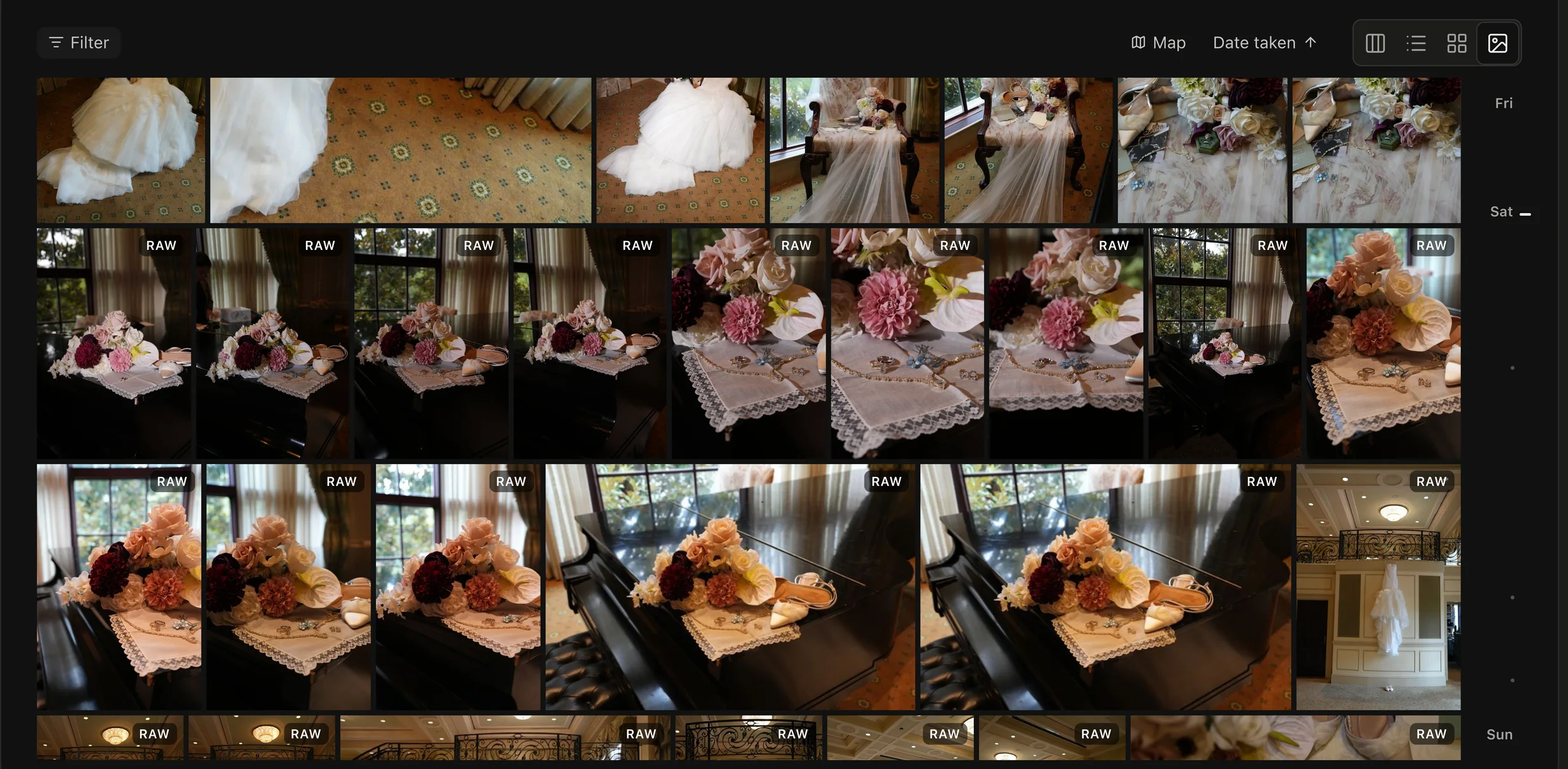
02What it shows
- In All files, everything in your workspace.
- In a project or folder, everything inside it, subfolders included. No folders to click through.
- A file you kept in two places shows once.
03Sort, filter and jump
- Date taken sorts newest or oldest first. Recently uploaded shows what came in last.
- Filter narrows it to photos, videos, RAW or Live Photos. Show picks out Client favorites, files From guest links, or what's Not backed up yet.
- The date bar on the right jumps through the years. Press G to go to a date.
- Map opens your photos by where they were taken, when they have a location.
Press ? for every shortcut: arrows to move, Space to look closer, = and − to change the size.