Lightroom and Final Cut files
Final Cut libraries, Lightroom previews and other Mac packages upload whole and show as one file, the way Finder shows them. Download one and it opens on your Mac as it was.
2 min readUpdated 3 November 2026
01One file, everything inside
On a Mac, a Final Cut library is really a folder of thousands of files that Finder shows as one. Total Vault does the same: upload it and it shows as a single file with its full size.
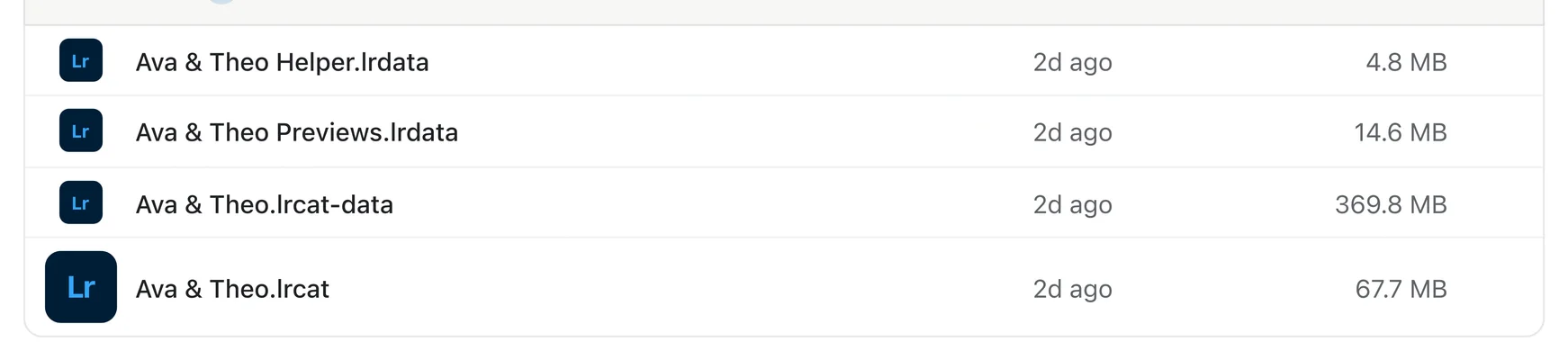
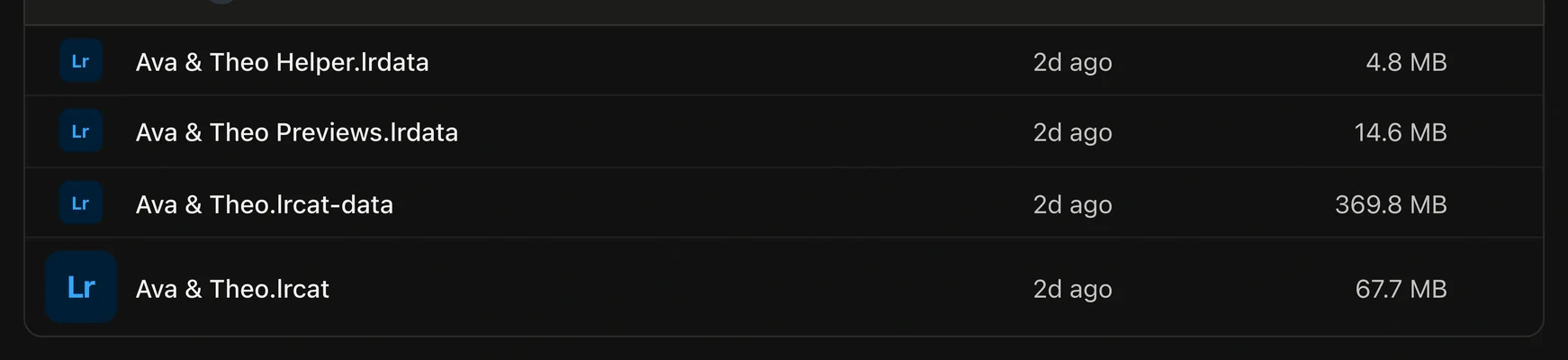
These upload as packages: Final Cut libraries (.fcpbundle), Lightroom previews and helper files (.lrdata, .lrcat-data), Lightroom Classic libraries (.lrlibrary), iMovie, Photos and Aperture libraries, and Logic and GarageBand projects.
A Lightroom catalog itself (.lrcat) is already one file, like a Premiere project or a Photoshop file. It uploads as it is.
02Open or download one
- Open a package to see its size, how many files it holds and when it last changed.
- Download gets the whole package, folders and all, ready to open on a Mac.
- Need something inside? Right-click it and choose Show package contents.


03What packages don't do
A package can't be made a project or added to a client gallery, and Auto-backup watches the folder it sits in rather than the package itself.