Edits and their RAWs
When you upload an edited JPG, Total Vault finds the RAW it came from and shows the two together under Versions. Nothing about either file changes.
2 min readUpdated 3 November 2026
01See an edit's original
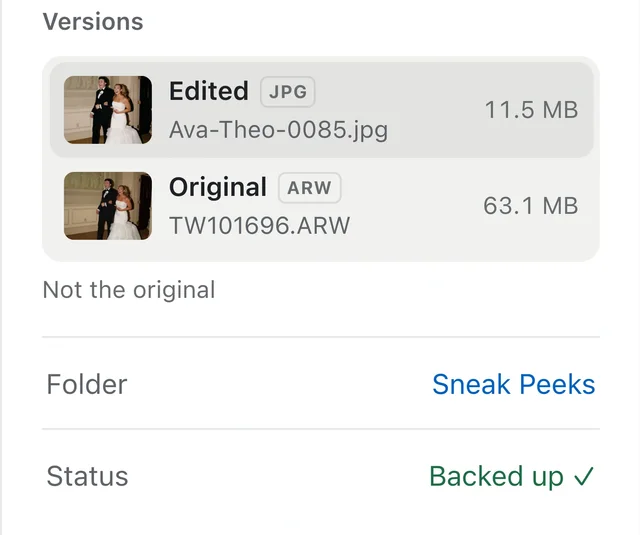
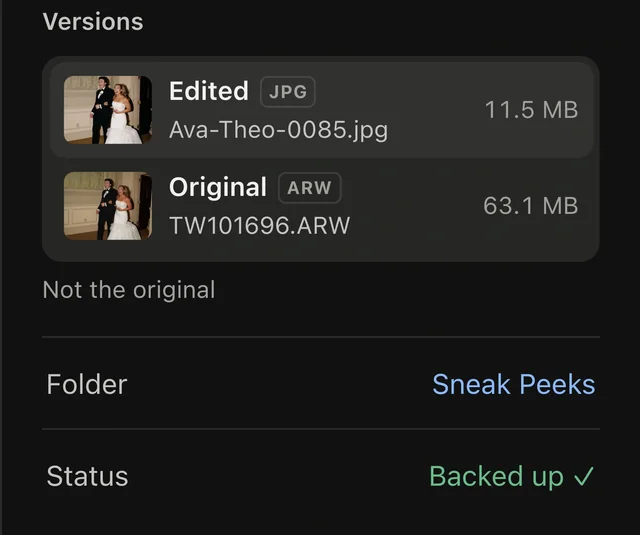
Select a photo and open Details. When Total Vault has found its pair, a Versions card shows the Edited file and its Original RAW. Click either one to go to it.
02How it finds the pair
- Lightroom and most editors write the RAW's name into the exported file. Total Vault reads it, then checks the two were taken in the same second on the same camera.
- It also checks the two pictures look alike, so a renamed or cropped edit still pairs, and a different frame doesn't.
- It runs after each upload, so edits and RAWs can arrive in any order.
If the edit names a RAW you haven't uploaded, Versions shows it as not uploaded. Upload the RAW and they pair up.
03Not the right one?
Choose Not the original (or Not the edit, from the RAW). The pair comes apart and won't be suggested again. Undo puts it back.
04What stays the same
- Both files stay exactly as you uploaded them, where you put them.
- Versions shows for your workspace. Clients and guests don't see it.